Last Updated: November 2, 2026
Quick Summary
A professional ad is a paid message built around one clear promise, one specific audience, and one obvious next step. To create professional ads, define your audience, choose the right format, and write the ad copy before any design work. Fonts, colors, and images should serve that message, not replace it.
- Write the headline and one call to action before you start designing anything.
- Limit your ad to two fonts and place the logo once, small.
- Check visual hierarchy so the headline reads first and the call to action second.
- Change one element at a time and label each version to compare results later.
- AI will not rescue a vague offer, so write the promise first.
Table of Contents
- How to Create Professional Ads for Business: The Core Process
- How to Create an Advertisement Example You Can Reuse
- Create Ad with AI Without Losing the Craft
- Frequently Asked Questions
How to Create Professional Ads for Business: The Core Process
Learning how to create professional ads starts with one shift: a professional ad is a decision, not a design.
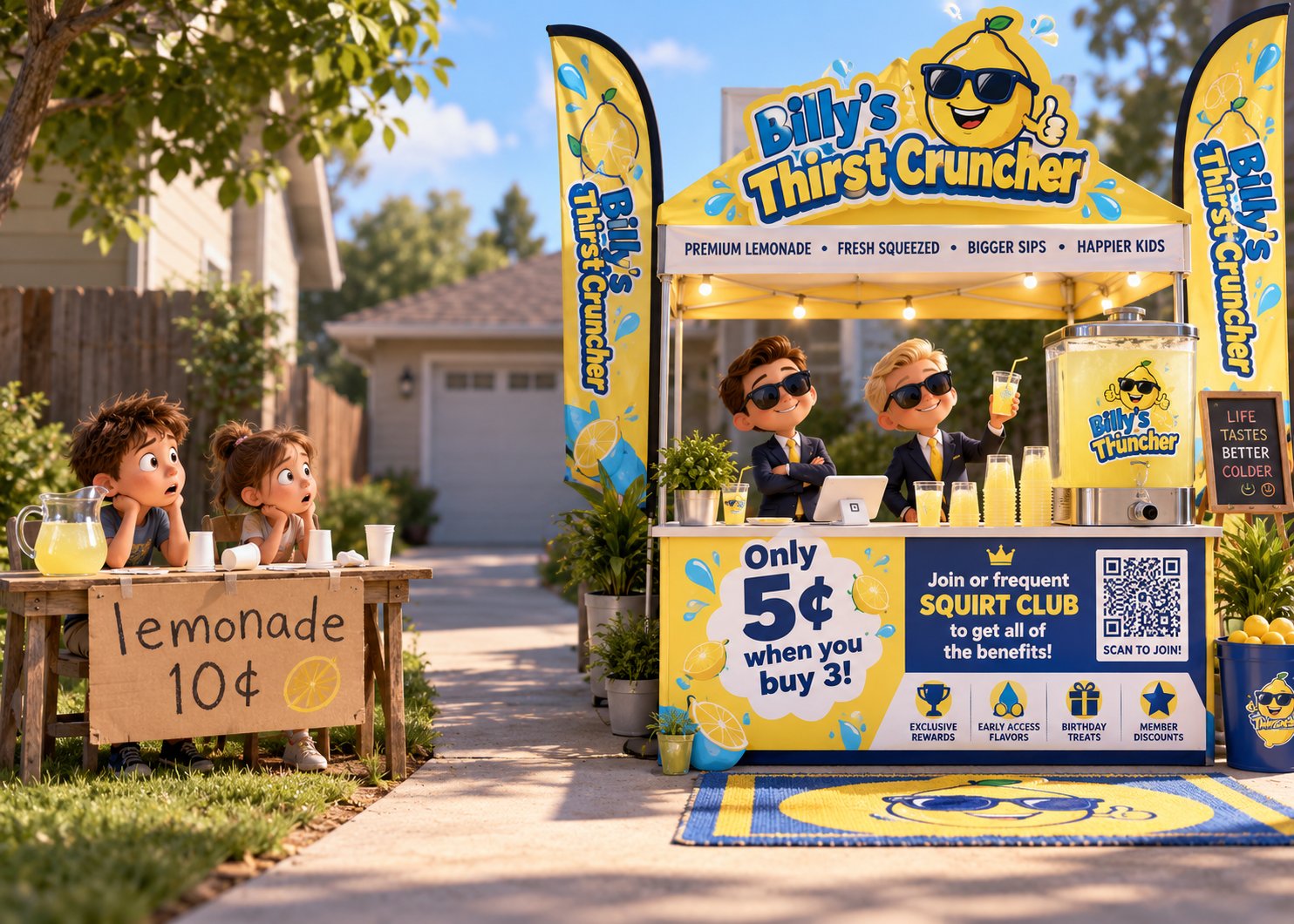
A professional ad is a paid message built around one clear promise, one specific audience, and one obvious next step. Fonts, colors, and images serve that sentence.
- Define your target audience, who buys and what they worry about.
- Choose the right ad format, match it to where buyers already pay attention.
- Write the ad copy first, headline and one call to action before design.
- Pick a fitting template, then customize imagery and fonts (two max).
- Add brand elements, logo once, small, locked palette.
- Check visual hierarchy, headline first, call to action second.
- Export per platform, correct dimensions and formats.
Design decisions made after the message is written stay small; made before it, they turn into decoration.
The Federal Trade Commission's advertising and marketing guidance covers deceptive advertising and endorsement disclosure, cheaper to get right at the draft stage.
Keep four principles in view: visual hierarchy (one focal point), contrast (readable at thumbnail size), white space (crowded ads read as cheap), and brand consistency.
For a deeper walkthrough, our guide on how to create professional ads without a designer covers templates and workflow.
How to Create an Advertisement Example You Can Reuse
The fastest way to create an advertisement example you can reuse is to build one master ad, then produce variations from it.
Headline: [Specific result] for [audience] in [timeframe] Subhead: [One sentence on how it works] Body: [Two sentences: the problem, then the fix] Call to action: [Verb + outcome] Visual: [One photo of the product or customer in use] Brand elements: [Logo bottom right, brand color on the CTA button]
Change one element at a time and label each version so you can compare results later.
Element to Vary | Keep Fixed | What You Learn |
|---|---|---|
Headline wording | Image, CTA, audience | Which promise lands hardest |
Hero image | Headline, CTA, audience | Which visual stops the scroll |
Call to action | Headline, image, audience | Which next step people take |
One variable per round, or you learn nothing. Rotate fresh variations before results sag, keeping brand consistency across every version.
Our piece on building ads without a design team walks through the workflow, and you can see the plans and free trial options when you're ready.
Create Ad with AI Without Losing the Craft
You can create ad with AI and still keep the craft, provided a human sets the strategy and the AI executes inside your rules.
Many AI ad tools produce content without a clear advertising purpose. Content is not advertising, an ad has a job to do, and a tool that doesn't understand the job produces polished noise. Data-driven tools can spot a pattern, but they can't tell you why a headline makes someone stop scrolling. That judgment comes from people who have written and placed ads for decades. ClickSling's AI creative team is built on the experience of advertising veterans with over 40 years in the industry.
Built-in brand asset management keeps approved images and logos in one place, no design or marketing skills are required, and full video production is included.
To see the AI creative team behind the output, meet your new creative department, or learn how ClickSling works from registration to first ad.
One caveat: AI will not rescue a vague offer. Write the promise first, then let the AI team build around it.
Frequently Asked Questions
What makes an ad look professional?
Three things do most of the work: one clear focal point, consistent brand elements like logo and color palette, and copy that names a specific benefit instead of a vague claim. Professional ads also match the platform's dimensions and file formats, so nothing looks stretched or cropped. You do not need a design degree. Pick one message, one image, and one call to action, then remove anything that competes with them. That discipline separates professional ads from homemade ones more than expensive software does.
Can AI help create professional ads?
Yes, and the 2026 data supports it. The catch is direction. AI generates strong options fast, but it needs a real strategy behind it: a defined audience, a clear offer, and brand rules it must follow. Tools trained on actual advertising experience produce more usable work than generic generators. Use AI to produce variations and resize assets, then judge each one against your objective before you spend on it.
How can I tell whether an ad is working?
Track two layers. First, platform metrics: click-through rate and cost per click show whether the creative earns attention. Falling numbers often mean the creative is stale, not that the offer is bad. Second, post-click metrics: conversion rate and cost per lead on the landing page. An ad with a strong click-through rate and a weak conversion rate usually has a landing page alignment problem, not an ad problem.
Small business owners are drowning in marketing tools built by people who understand data but have never placed an ad that had to sell something. That gap is the whole problem. ClickSling closes it with an AI creative team modeled on advertising veterans, built-in brand asset management that keeps every ad on-brand, and full video production without per-user or implementation fees. Get started with ClickSling and put a real creative department to work on your next campaign.
