Last Updated: November 2, 2026
Quick Summary
Automated creative production is the practice of using software to generate, resize, and version ad creative from a defined set of brand rules and templates, so a small team can ship more ads without hiring a design department. Beginners should start with one campaign, one product, and three ad sizes.
- Automated creative production has three moving parts: brand inputs, templates, and generation rules.
- Start with one campaign, one product, and three ad sizes instead of automating everything at once.
- Build two templates, one square and one vertical, then generate ten headline and image combinations per template.
- Review every variant by hand against the brief, because automation produces volume but a human decides what is good.
- ClickSling offers a free 30-day trial with no credit card required to run your first real ad.
Table of Contents
- What Automated Creative Production Means for Beginners
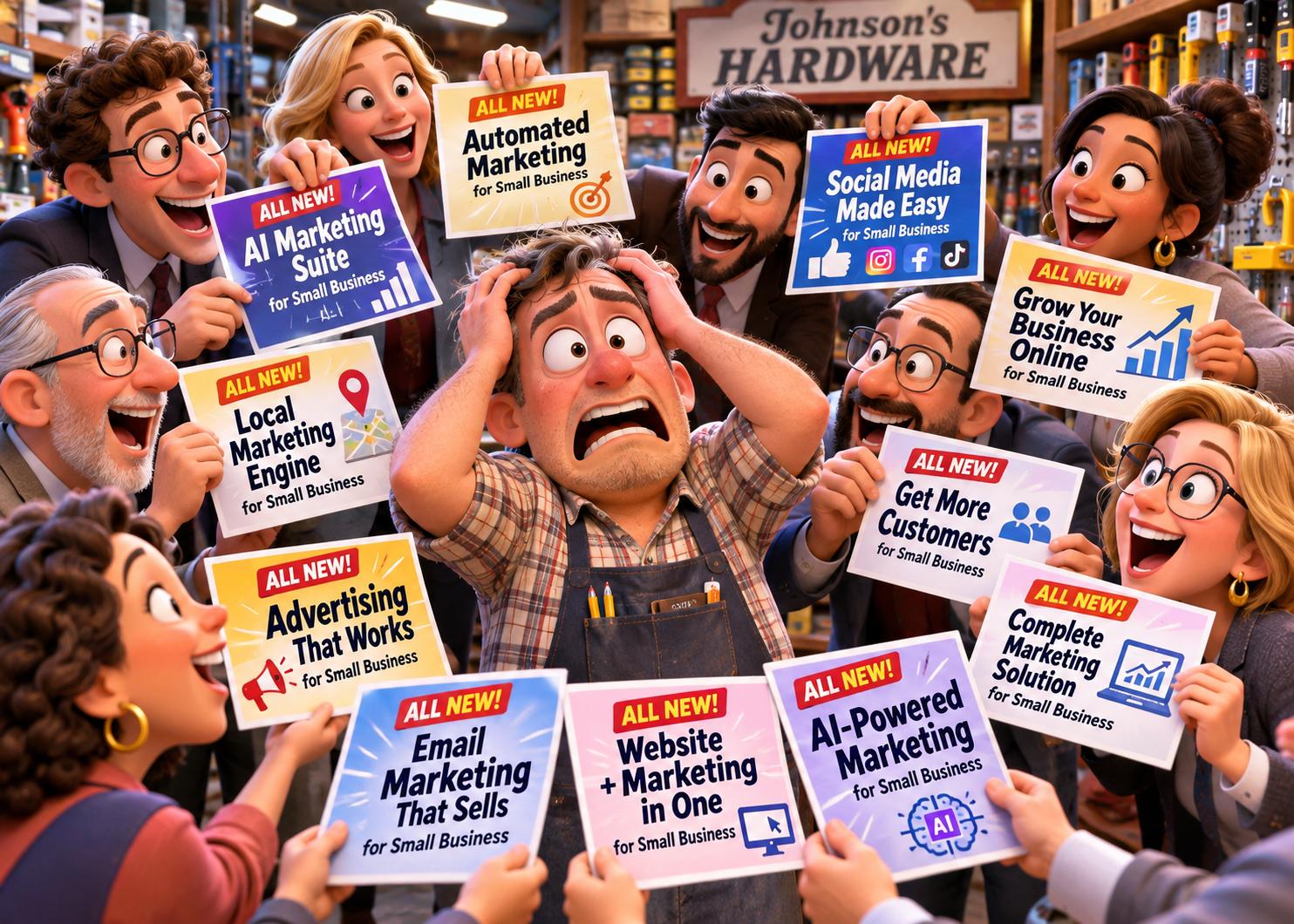
- So what system do you choose? It’s super confusing now more than ever.
- Try ClickSling Free for 30 Days and Build Your First Ad
- Frequently Asked Questions
What Automated Creative Production Means for Beginners
Automated creative production is the practice of using software to generate, resize, and version ad creative from a defined set of brand rules and templates, so a small team can ship more ads without hiring a design department. It replaces the blank canvas with a system: define the rules once, and the tool produces the variations. Scaling this output requires a rigorous framework for AI agent compliance to ensure that every automatically generated asset adheres to brand safety standards before it reaches the public.
Data tells you what happened; it does not tell you what a good ad looks like before it runs.
Automated creative production for beginners has three moving parts:
- Brand inputs. Logo, colors, fonts, tone, and allowed claims.
- Templates. Fixed layouts that hold the brand rules in place.
- Generation rules. The sizes, formats, and variants produced from each template.
Get those three right and the output is usable. For a practical walkthrough, see how to create professional ads without a designer. Skip them and you get the generic sludge most people associate with AI ad tools.
So what system do you choose? It’s super confusing now more than ever.
You know what you want and need to accomplish, but you feel like a glazed donut after digging through the same sounding online systems, one after another. Ask this, which systems were developed by actual advertising experts? Not kids that grew up using just social media, actual award-winning advertising veterans that have created campaigns for many of the world’s biggest brands.
- Does their system start with a thorough audit? Not regurgitating back to you what your website says
- Does the audit tell you things you never knew? Competitor weaknesses and even yours?
- Does it deliver a string strategic foundation? Hell no they don’t.
- Does it create original advertising concepts? Yes, concepts NOT just pretty content
- Do you get to play the role of creative director? Maybe, but not in the truest sense of the word
- Can you place and track the work once developed? They all do that, don’t get hornswoggled
We know it’s hard. We know it’s confusing. But our background was totally in building a system Coca-Cola would be jealous of. There’s no reason you can’t have the same processes and work those guys get.
To see how the pieces fit together, see how ClickSling works: register, approve your Brand Dossier, and get advertising from your own AI Creative Department.
Try ClickSling Free for 30 Days and Build Your First Ad
The fastest way to learn automated creative production is to run one real ad. ClickSling gives you a free 30-day trial with no credit card required.
Pricing depends on the plan you choose. See ClickSling pricing for current plans and options, or the ClickSling FAQ for practical questions.
Frequently Asked Questions
What is automated creative production?
Automated creative production uses software to generate, resize, and adapt ad creative from templates and brand rules, so a small team can produce many variants quickly. For beginners, the appeal is that you set the format and message once, then the system produces versions for each placement. It does not replace judgment: you still review copy, approve layouts, and check that each ad matches the offer. Start with one campaign and a handful of templates before scaling up.
How can beginners use AI to create advertising materials without design skills?
Begin with a clear creative brief: your offer, audience, and one message. Feed that into a tool that generates ad variations from templates, then pick the strongest two or three. Keep your logo, colors, and fonts locked so every output stays consistent. Review each AI ad creative example against your brand rules before publishing, and test small budgets first. The goal is a repeatable process, not a perfect first draft.
What should I look for in creative automation tools?
Look for template libraries, brand controls, asset resizing for multiple placements, and a review step before publishing. Check whether pricing fits your volume and whether training is required, since many small teams have no dedicated designer. Ask how the tool handles approvals and asset storage. A short free trial is the fastest way to see whether the workflow matches how your business actually launches campaigns.
Most small businesses do not need another dashboard. They need advertising built by people who understand advertising, then delivered through software that respects their brand. That is the standard we hold ourselves to.
Get started with ClickSling and put a creative department to work on your first campaign this week.
