Last Updated: November 10, 2026
Quick Summary
Affordable video ads are worth it for small businesses because video is widely used and buyers expect it. Budgets are typically modest, and good ads no longer require a film crew. The key is to fund concept, production, versions, and media spend separately.
- 91% of businesses use video for marketing, according to Wyzowl's 2026 survey.
- 41% of companies spent under $20,000 on video promotion and advertising in 2025, per HubSpot.
- Budget concept, production, editing, and media spend as four separate lines.
- Shoot once in a wide format, then cut versions for each placement.
- Test two versions with one change between them and compare on your main goal.
Table of Contents
- Video Ads Make Sense for Small Businesses Now
- But It’s Not Just Creating A Video, It’s Creating a Strategic and Creative Concept That Works.
- REMEMBER: Great videos that have a rich idea or concept stick out and will be watched even without having to pay to promote it. Organic in this case works!
- Video Creation Comes With Your ClickSling Account!
- Your AI staff will do all of this:
- Choosing Platforms and Specs for Your Video Ads
- Measuring Results and Setting Your First Video Ad Test
- Start Your First Affordable Video Ad with ClickSling
- Frequently Asked Questions
Affordable video ads used to be a luxury only big brands could afford. That's changed. Today, a small business can produce and run a short video ad for a fraction of what a traditional production cost. The real question isn't whether video works. It's whether the affordable options are worth your money and time. At ClickSling, our AI creative team is built on advertising experience, and we focus on what separates ads that sell from ads that just exist.
Video Ads Make Sense for Small Businesses Now
Video is now a standard part of marketing. According to Wyzowl's 2026 video marketing survey as reported by Digital Applied, 91% of businesses use video for marketing, a figure unchanged from 2024.
That means your competitors are likely already using it. Staying out of video isn't a neutral choice. It's a gap your customers may notice.
The spending picture also favors small players. HubSpot's 2026 state of video report found that 41% of companies spent under $20,000 on video promotion and advertising in 2025. Modest budgets are common, not a handicap.
- Video is widely used, so buyers expect it
- Smaller budgets are normal in the market
- Good ads no longer require a film crew
But It’s Not Just Creating A Video, It’s Creating a Strategic and Creative Concept That Works.
Most guides tell you to 'set a budget' and stop there. That's not useful when you're deciding whether to spend on a freelancer, a template tool, or a subscription. The practical move is to split your video ad money into four buckets and fund each one deliberately, because they behave very differently.
1. Concept and scripting. This is the thinking work: the offer, the hook, the call to action. You can do it yourself, use a template, or pay a writer. The cost range here is wide because it's labor, not equipment. A common pattern is that businesses underinvest here and overspend on production, which produces a polished ad with no message. If you'd rather have concepts, scenes, and voiceover handled for you, see ClickSling's Creative Department video commercials for social media.
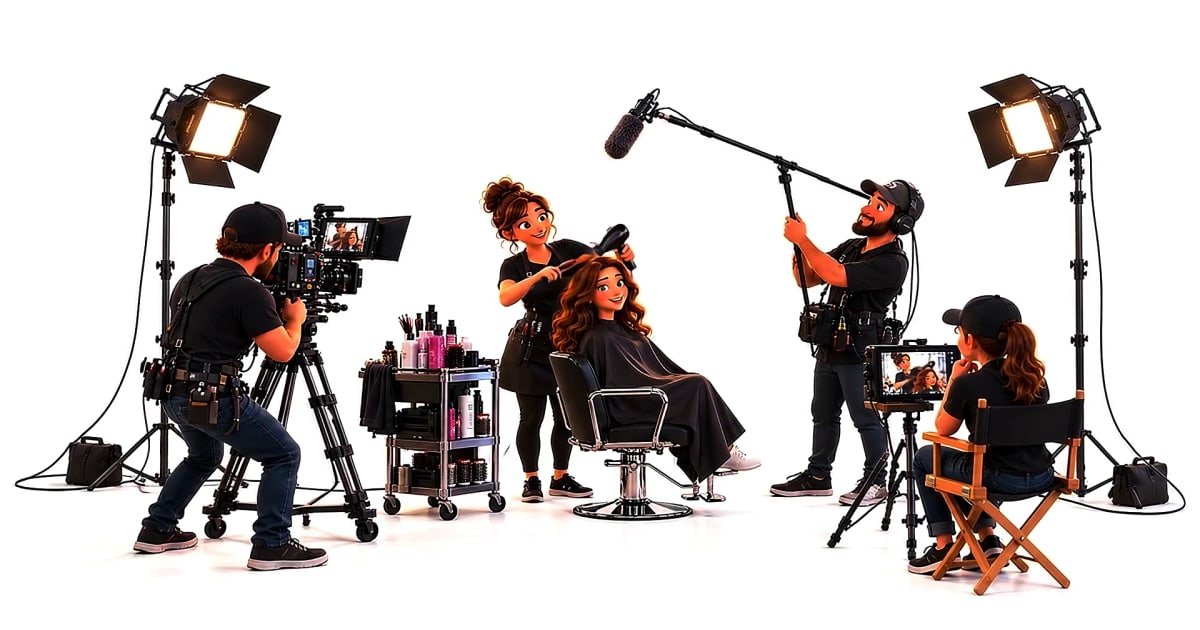
2. Production. Filming, talent, location, and props. A smartphone shoot in your own space is the low end. A half-day with a local videographer sits in the middle. A crew with lighting and sound is the high end and is rarely necessary for a first test. Most small businesses get their best return from the low-to-middle range while they're still learning what resonates.
3. Editing, captions, and versions. This is where one shoot becomes five ads. Editing time scales with the number of cutdowns you need, not the length of the original footage. Budget for at least three versions (a 15-second cut, a 30-second cut, and a square or vertical reformat) so you can test without reshooting.
4. Media spend. This is the money that actually gets your ad in front of people, and it is separate from everything above. Many first-time advertisers fold media spend into 'production budget' and then wonder why the video never ran. Keep it in its own line.
A workable rule of thumb: fund creative and media separately, and expect to refresh creative on a regular cadence rather than treating one video as a permanent asset. If you can only afford one thing, fund media spend on a simple, honest video before you fund a fancy video with no distribution behind it.
REMEMBER: Great videos that have a rich idea or concept stick out and will be watched even without having to pay to promote it. Organic in this case works!
The four budget buckets behave very differently, so here is how each one typically breaks down.
Budget bucket | What it covers | Planning note |
|---|---|---|
Concept and scripting | Offer, hook, call to action | Often underfunded; labor-based cost |
Production | Filming, talent, location, props | Low-to-middle range suits a first test |
Editing and versions | Cutdowns, captions, reformats | Budget for at least three versions |
Media spend | Money that gets the ad seen | Keep it in its own line |
Video Creation Comes With Your ClickSling Account!
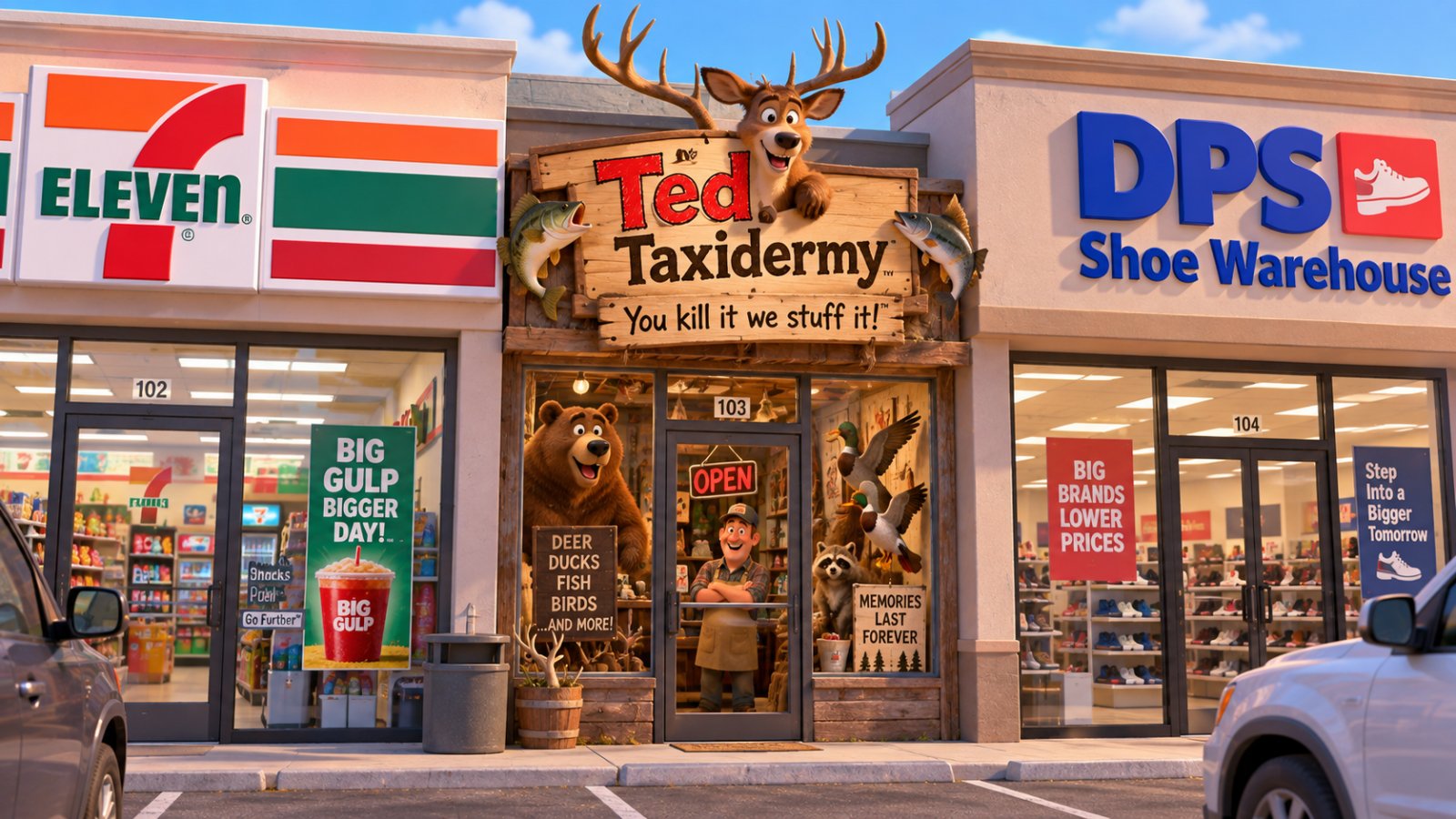
Look at a simple video introducing one boring product in a category that’s never creative…
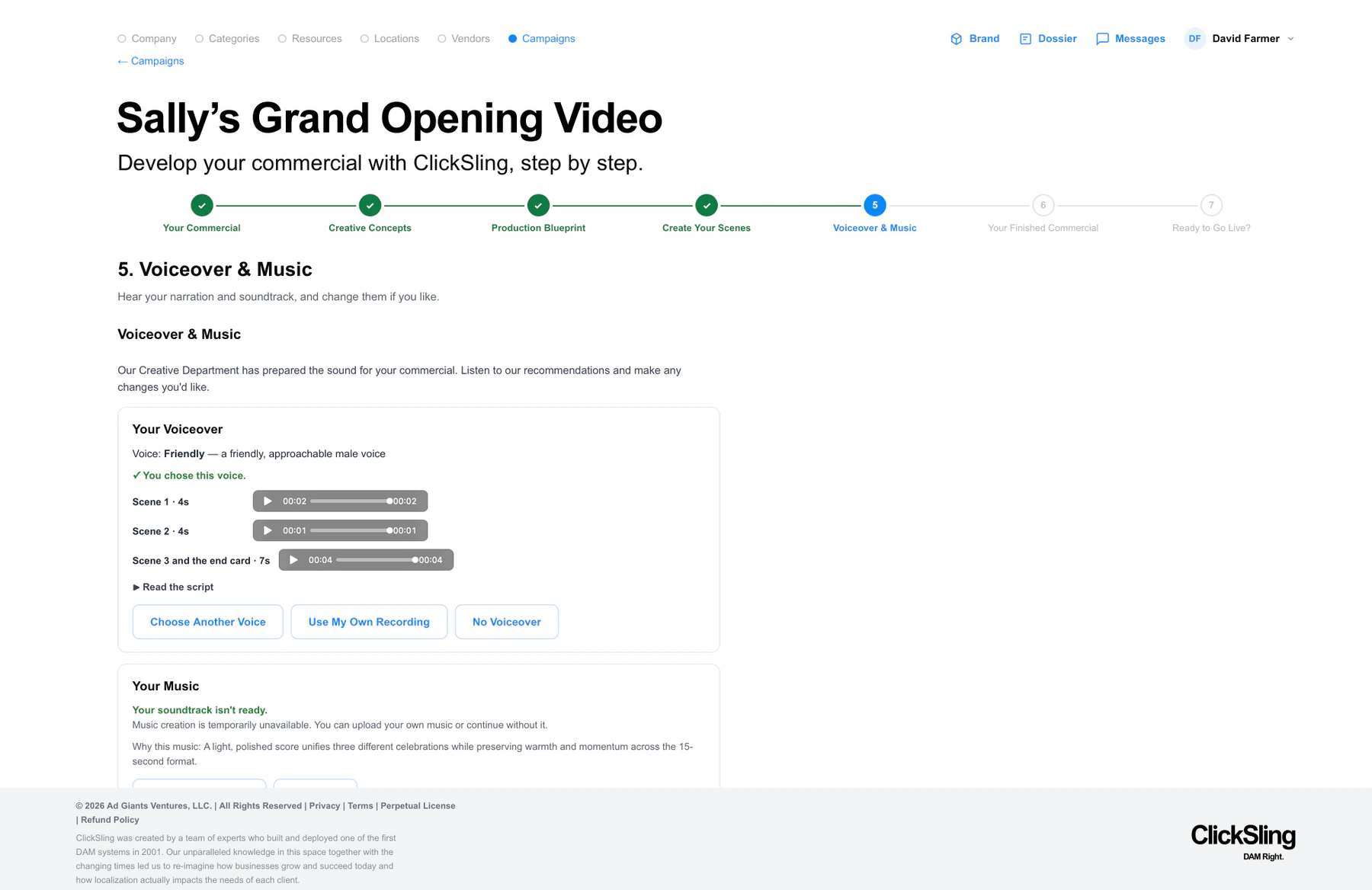
Your AI staff will do all of this:
- Write your concept strategy based on your Marketing Plan
- Create an original script; You can edit it if need be
- Product each scene and then edit them together
- Produce background music and voice over if you want it
- Deliver a finished spot you can then push to Meta!
Choosing Platforms and Specs for Your Video Ads
Each platform expects a different shape, length, and viewing context. Uploading the wrong format can hurt performance before anyone sees your message, so it pays to plan specs before you shoot rather than after.
The efficient approach is to shoot once in the widest, highest-quality format you can and then cut versions for each placement. That way one filming session produces every asset you need.
Aspect ratios and where they fit.
- Vertical (9:16) is built for full-screen mobile feeds and stories. It rewards tight framing, large on-screen text, and a hook in the first second or two.
- Square (1:1) is a safe middle ground that fits feed placements on several platforms without letterboxing.
- Horizontal (16:9) suits in-stream and player placements, plus most website embeds and YouTube-style viewing.
Durations. Short-form feed placements tend to reward 15- to 30-second cuts, with a strong opening frame. In-stream placements can carry a slightly longer story, but the first few seconds still decide whether people stay. Produce a 15-second cut and a 30-second cut from the same footage so you can test length as a variable.
Captions and sound-off viewing. A large share of feed viewing happens with sound off, so burn in captions and make sure your key message is readable without audio. Use high-contrast text, keep it inside the safe area so platform UI doesn't cover it, and avoid relying on voiceover alone to carry the offer.
Placement notes. Feed placements favor native-looking creative that doesn't feel like an interruption. Story and full-screen placements favor vertical, text-forward creative. In-stream placements tolerate a more produced look but still punish a slow open.
How to choose where to run. Start with one or two platforms where your customers already spend time, not five. Spreading a small budget across many channels usually spreads your results too thin to learn anything. Pick the platform that matches your goal: awareness favors broad feed placements, while direct response favors placements where a click is easy and the offer is clear.
Watch out: reformatting by stretching or letterboxing looks amateurish and wastes screen space. Re-crop and re-frame each version so the subject stays centered and the text stays readable.
Measuring Results and Setting Your First Video Ad Test
Before you launch, decide what success looks like. Pick one main goal, such as clicks, inquiries, or sales, and track it consistently.
A simple first test:
- Run two versions of the same ad with one change between them
- Give each version a fair budget and enough time to gather data
- Compare results on your main goal, not vanity numbers alone
- Keep the winner and test a new variable
Set a realistic benchmark from your own past results where possible. If you don't have history, treat your first campaign as your baseline. You can also review Google's guidance on measuring ad performance for definitions of common metrics.
Start Your First Affordable Video Ad with ClickSling
Getting started doesn't have to mean a big commitment. ClickSling's AI creative team can help with video production for social media. You can Try ClickSling free for 30 days and see how the process fits your business.
For a closer look at budgets, a small business ad strategy built on real data can help you plan your next steps. When you're ready to compare plans, the monthly and one-time options are laid out clearly.
Start small, test one clear message, and let the results guide your next video. ClickSling makes that first step simpler, so you can focus on what your customers need to hear.
Frequently Asked Questions
How much do video ads cost?
Costs depend on how the video is made, how long it runs, and where it is shown. A simple video made in-house with a phone costs little beyond your time, while professionally produced video costs more. Ad spend is a separate budget from production. Pricing depends on the tools and services you choose, so check ClickSling's pricing page for current plans and the free 30-day trial before deciding what fits your budget.
How long should a video ad be?
Many small businesses start with short videos of roughly 15 to 30 seconds for social feeds, since viewers decide quickly whether to keep watching. Longer videos can work for detailed product demonstrations or customer stories, but the opening seconds matter most. Test two or three lengths with a small budget and keep the version that drives the most clicks or calls.
Can AI help create video ads for small businesses?
Yes. AI tools can help write scripts, lay out scenes, add captions, and resize one video for several platforms, which saves time for owners without design experience. Review every output for accuracy, brand fit, and tone before publishing. AI works best as a starting point that you refine with your own product details and customer examples.
